GEWA Preset Library
Free Drumkit Presets
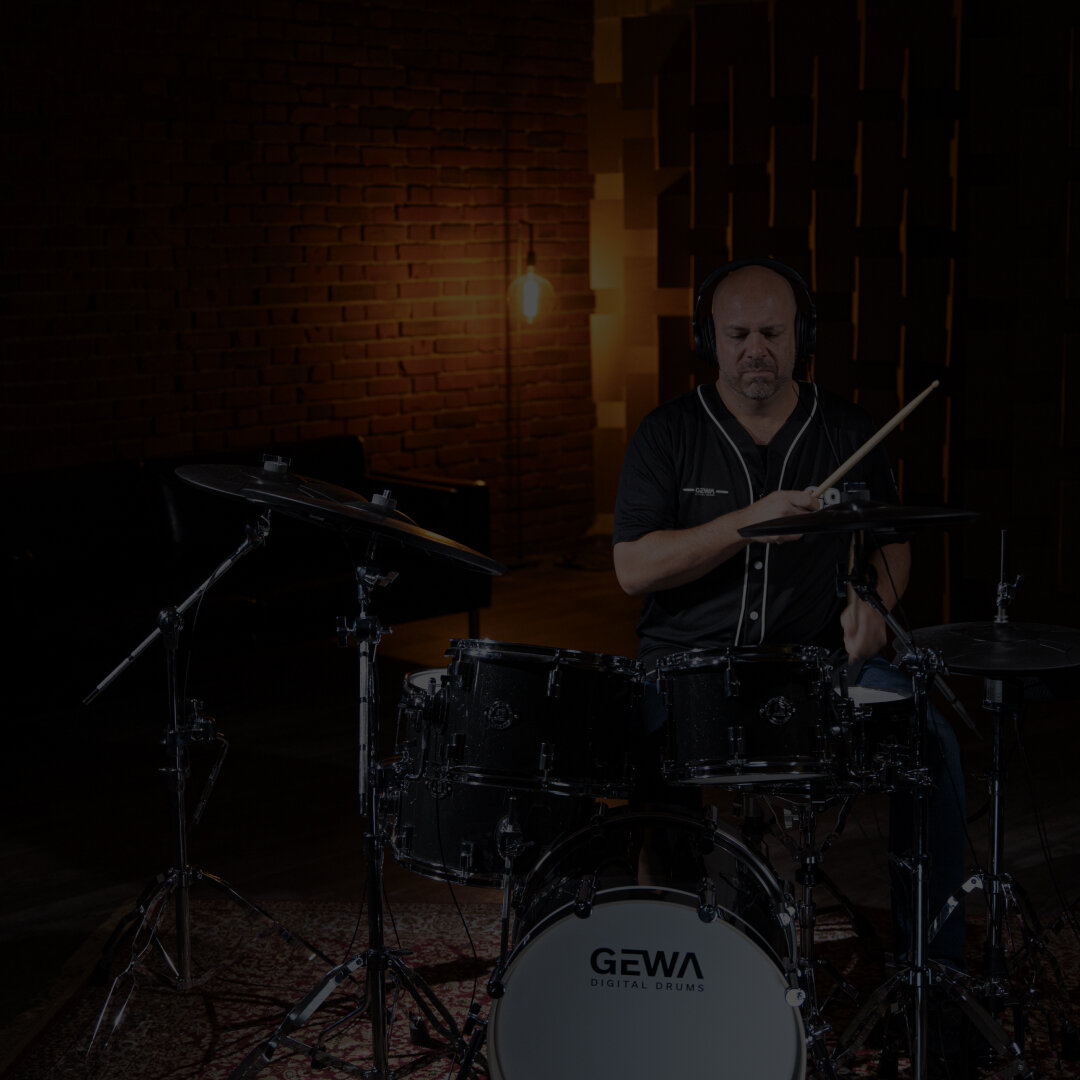
GEWA Presets
Download additional drum kit presets for your GEWA G9/G5/G3 here.
How to use?
Learn here how to import additional drum kits into your GEWA G9 / G5 / G3. Please select the module below and follow the steps to import these drumkit presets.

GEWA G9
Import Drumkit:
- Insert USB Stick
- Open the “DRUMKIT PRESET LIST” (Press on the button where you see the name of the current drumkit)
- Press on “IMPORT” at the bottom
- Press on the “USB” icon
- Select File “EXAMPLE.gdk” and press “IMPORT”
- FILE IS LOADED and also SAVED in your drumkit list

GEWA G5
Import Drumkit:
- Insert USB Stick
- Press the „USB Load/Save“ button
- Select IMPORT -> “KIT” and press “F1”
- Select File “EXAMPLE.gdk” and press “F1”
- FILE IS LOADED
Save the Drumkit:
- Press the “KIT” button
- Select a USER Slot (U001 – U128)
- Press “F2 SAVE” and name the drumkit à Press “F1 -SAVE”

GEWA G3
Import Drumkit:
- Insert USB Stick
- Press the „MENU“ button
- Press the „F1“ button / Open „USB Load/Save“
- Select IMPORT -> “KIT” and press “F1”
- Select File “EXAMPLE.gdk” and press “F1”
- FILE IS LOADED
Save the Drumkit:
- Press the “HOME” button
- Press the “F1 – Drumkit” button
- Select a USER Slot (U001 – U128)
- Press “F2 SAVE” and name the drumkit à Press “F1 -SAVE”